Product tour

How Apollo works, in plain language.

A practical walkthrough of how the product is structured. No demo theatre, no fake dashboards — just the moving parts your team will actually use.

01 · Platform overview

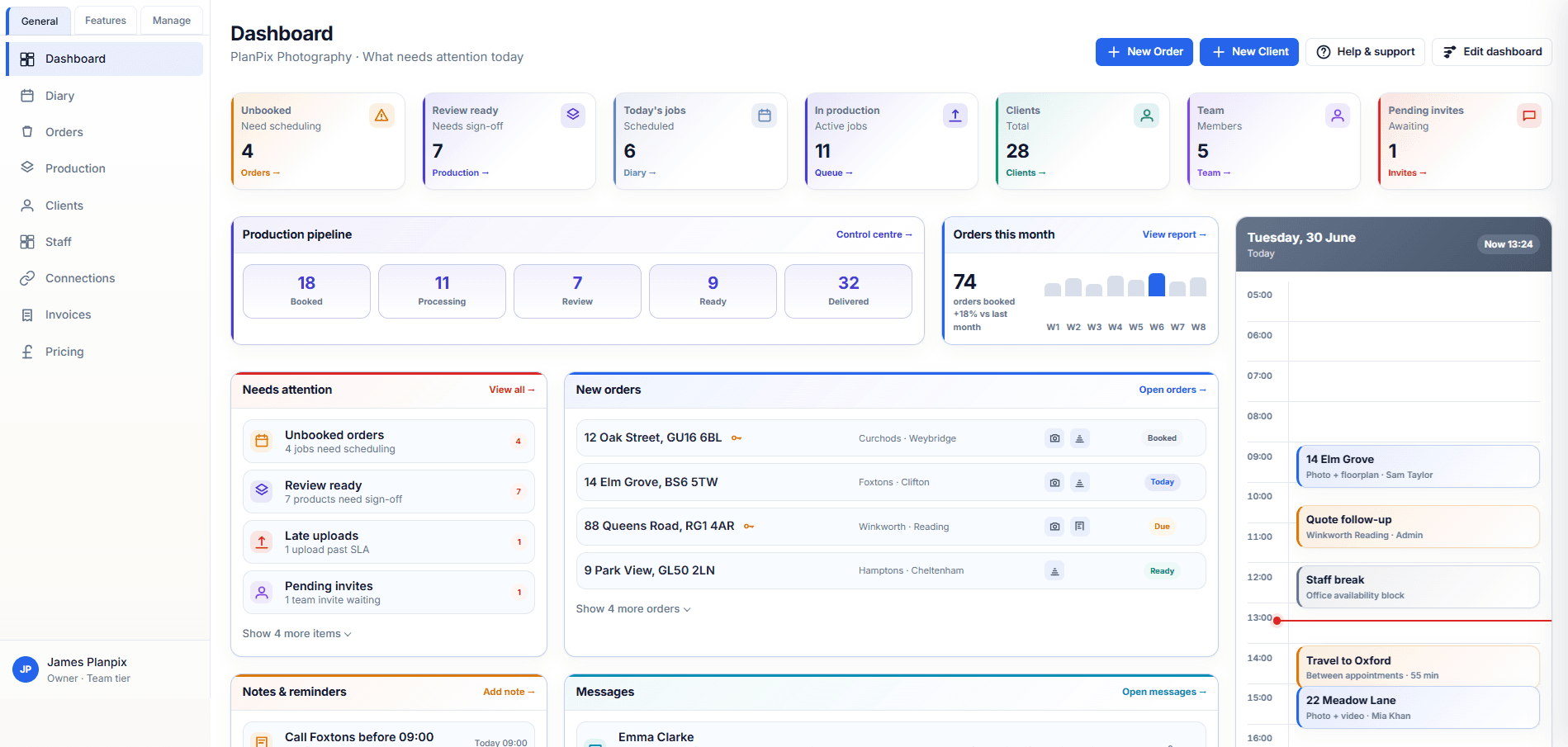
One workspace for property media operations

Your Apollo workspace brings clients, branches, orders, pricing, production and storage into a single place — so the day-to-day work has a home that everyone on the team understands.

  • Tenant workspace with isolated data per team
  • Owner, admin, staff and editor scopes
  • Light and dark mode for long working days

What this looks like in product

Designed to support one workspace for property media operations without forcing your team to rebuild process from scratch.

Honest about scope. No fake automation.

02 · Clients and branches

Manage clients, branches and contacts

Set up agencies, branches, direct clients and the contacts you work with day to day. Service eligibility, payment method and invitations live alongside contact records.

  • Agency, branch and direct-client structures
  • Per-client and per-branch preference and pricing slots
  • Contact records that travel with the order

What this looks like in product

Designed to support manage clients, branches and contacts without forcing your team to rebuild process from scratch.

Honest about scope. No fake automation.

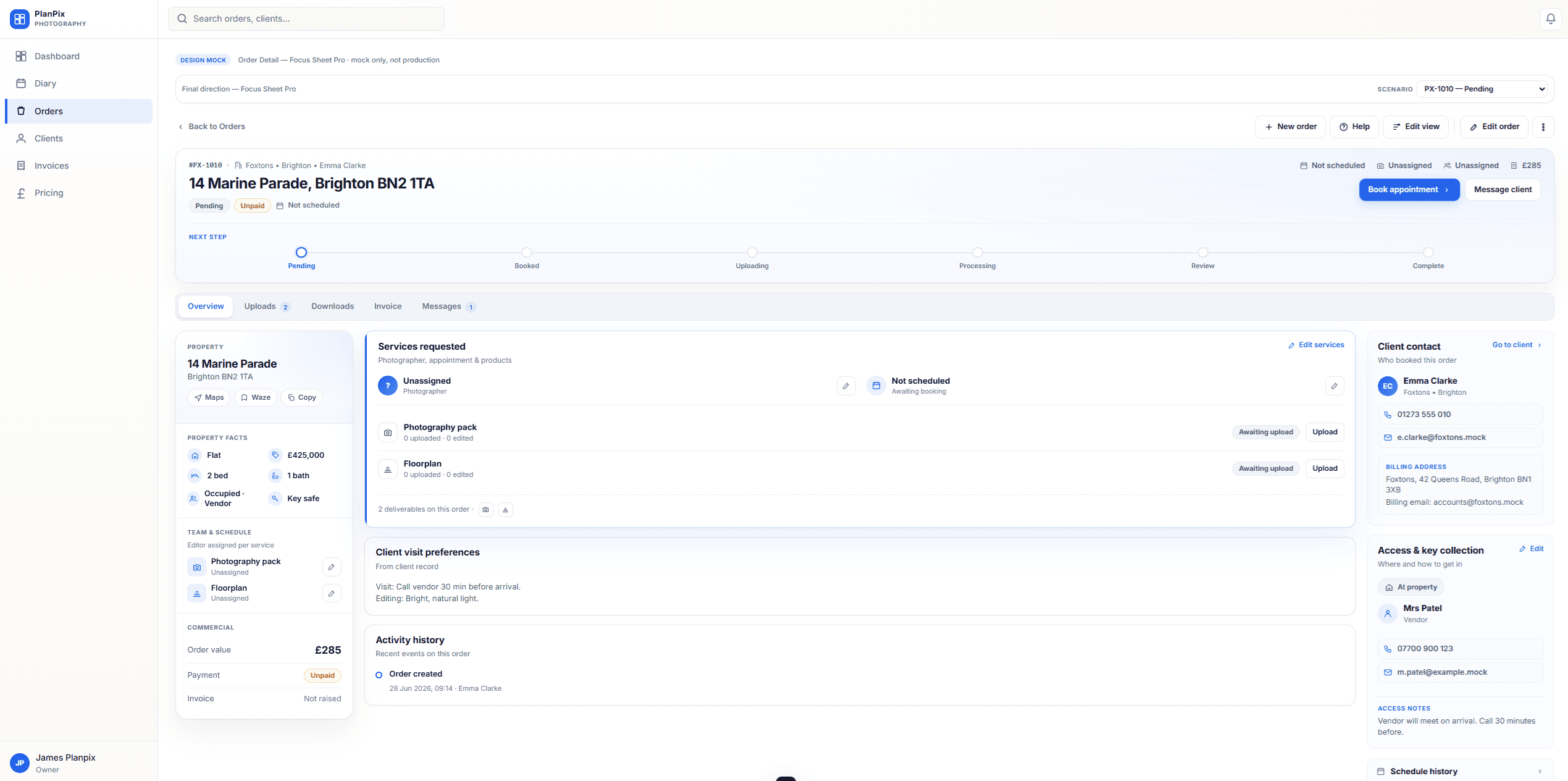
03 · Orders and scheduling

Capture and schedule jobs without the chase

Take orders internally or via a connected client, schedule a slot, assign the photographer, and keep the status moving from booking through delivery.

  • Workspace and portal intake with shared lifecycle
  • Diary scheduling with append-only schedule history
  • Status flow from booking through to delivery

What this looks like in product

Designed to support capture and schedule jobs without the chase without forcing your team to rebuild process from scratch.

Honest about scope. No fake automation.

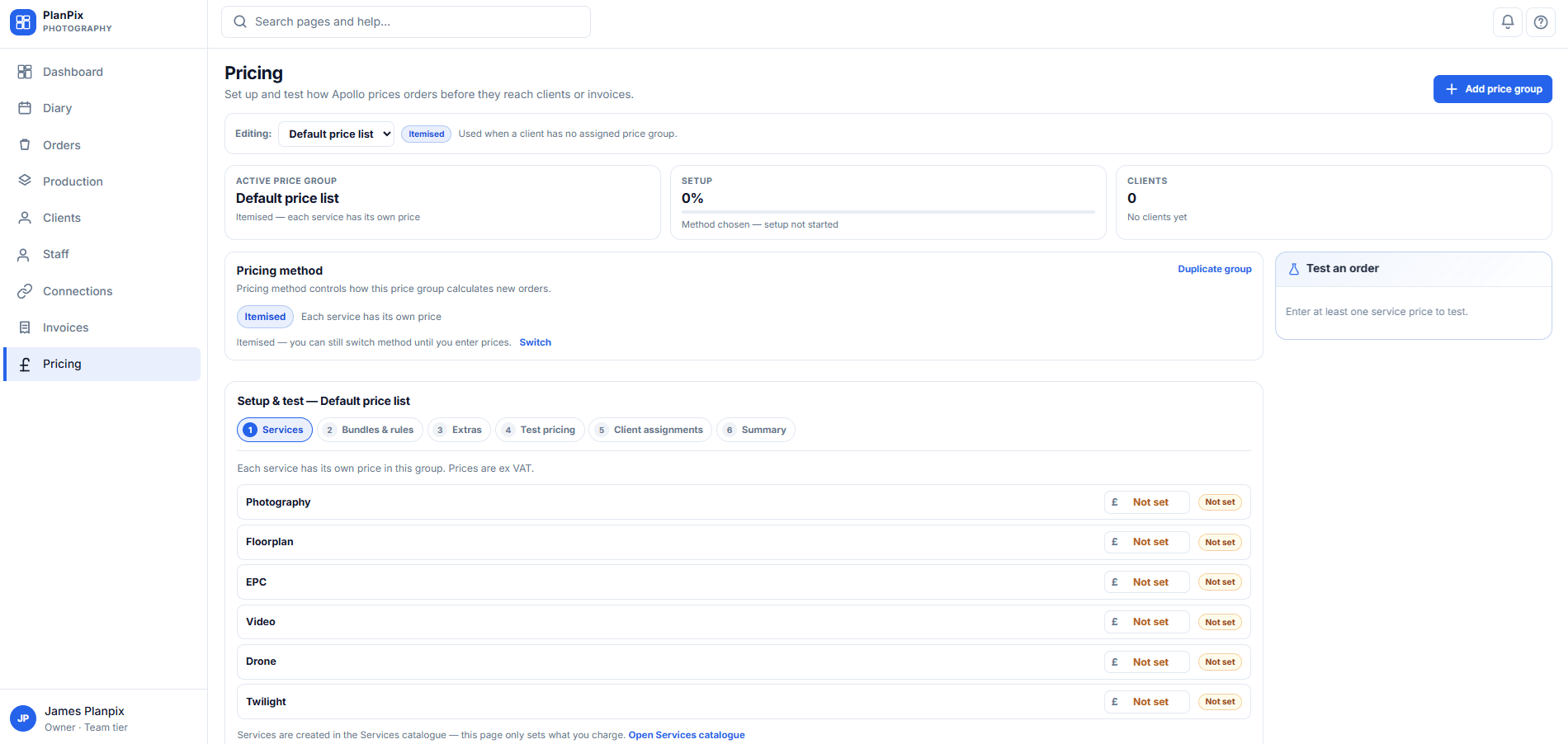
04 · Pricing and quotes

Apply pricing consistently — not from memory

Configure itemised pricing, surcharges and combinations once. Override per client or branch when commercial terms differ, and keep the resolution visible on the order.

  • Itemised baselines, surcharges and combinations
  • Per-client and per-branch overrides
  • VAT settings (inc / ex) at the workspace level

What this looks like in product

Designed to support apply pricing consistently — not from memory without forcing your team to rebuild process from scratch.

Honest about scope. No fake automation.

05 · Uploads, downloads and storage

Capture stays organised, delivery stays clean

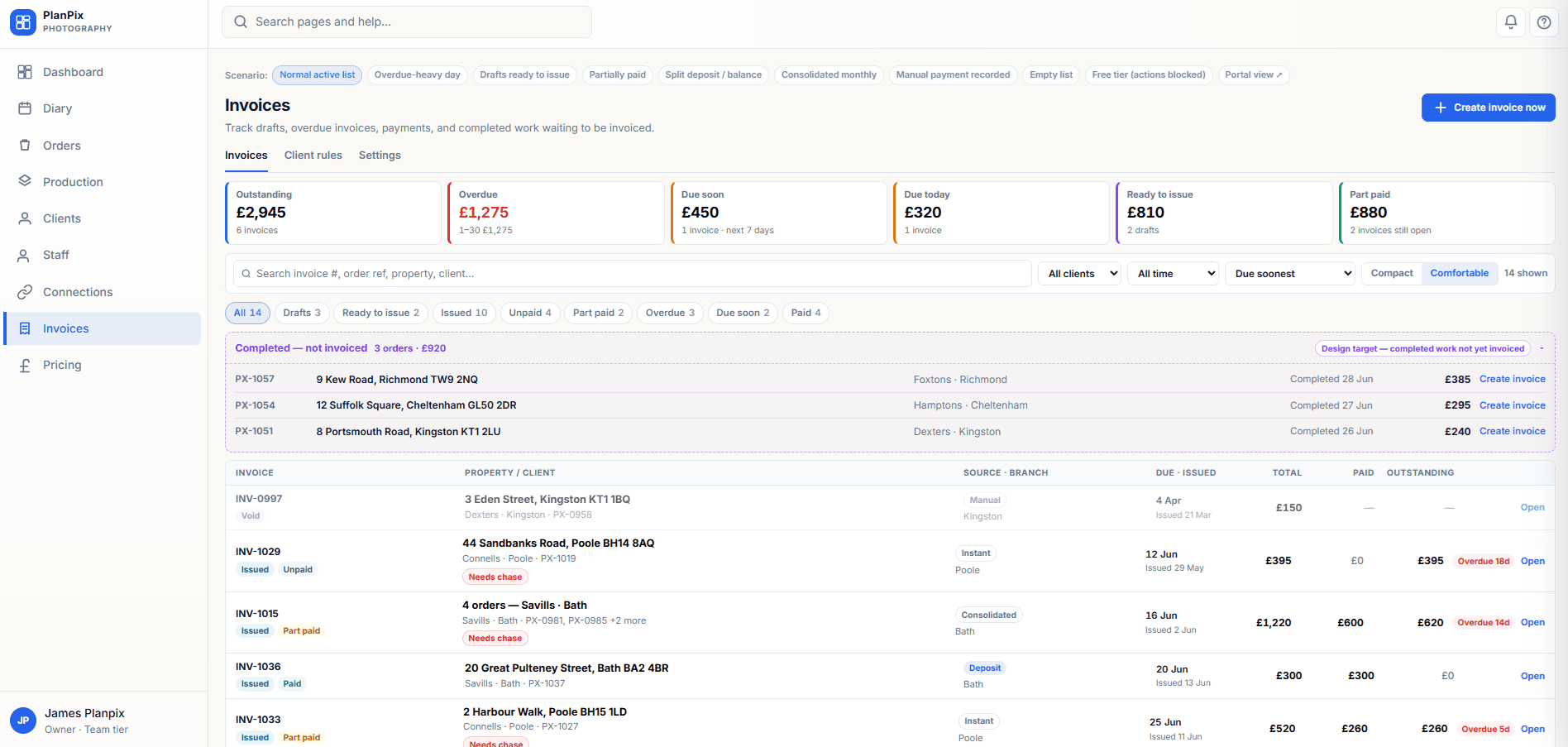
Field staff and editors upload directly to the order. Storage is organised per workspace, with deliverables surfaced where they are needed for clients.

  • Direct-to-storage uploads on the order
  • Per-product downloads on the order detail
  • Storage manager with allowance visibility on Team plans

What this looks like in product

Designed to support capture stays organised, delivery stays clean without forcing your team to rebuild process from scratch.

Honest about scope. No fake automation.

06 · Production visibility

See what's active, what's ready and what's stuck

Production and review queues give operators a single view of work in flight. Edits move through review without rebuilding the conversation.

  • Active production and Review work queues
  • Per-product editor assignment on the order
  • Honest production stages — not fake automation

What this looks like in product

Designed to support see what's active, what's ready and what's stuck without forcing your team to rebuild process from scratch.

Honest about scope. No fake automation.

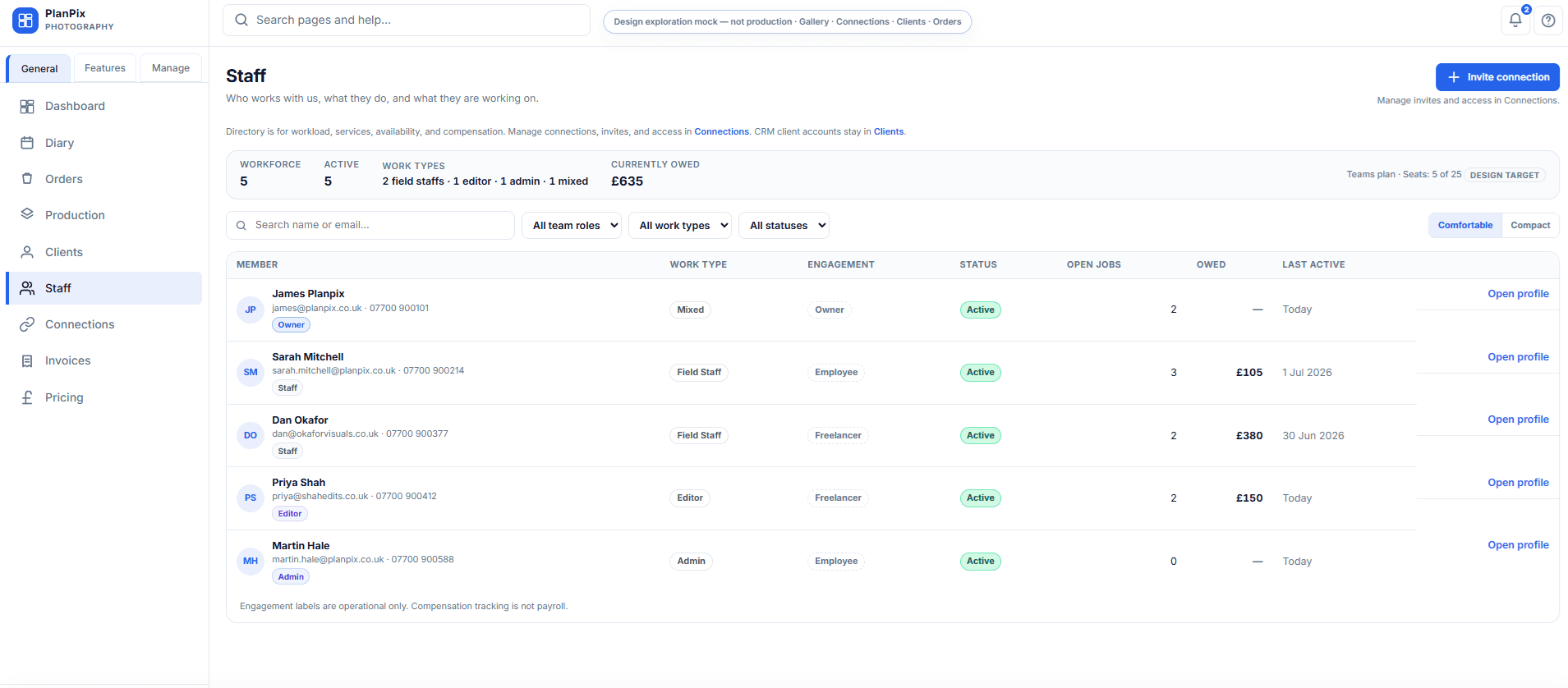
07 · Staff roles and permissions

Give your team the right level of access

Role-based access keeps owners in control while letting staff, editors and collaborators do their work without friction.

  • Owner, admin, staff, editor and collaborator scopes
  • Permissioned visibility on staff and reports
  • Server-side access checks, not just hidden buttons

What this looks like in product

Designed to support give your team the right level of access without forcing your team to rebuild process from scratch.

Honest about scope. No fake automation.

08 · Client communication & portal

Keep the conversation tied to the work

Order discussion threads keep messages tied to jobs. The client portal direction is to give clients the right read of their orders, deliverables and invoices — without inventing a chat product.

  • Order-level discussion threads (workspace + portal)
  • Client portal for orders, deliverables and invoices
  • Designed to support — not replace — your existing comms

What this looks like in product

Designed to support keep the conversation tied to the work without forcing your team to rebuild process from scratch.

Honest about scope. No fake automation.

09 · Storage organisation

Where the files live without the hunt

Each order keeps its uploads and deliverables organised together, so there is one place to look — not five different drives or shared links.

  • Per-order storage trees
  • Indexed usage view at workspace level
  • Conservative actions — no surprise deletions

What this looks like in product

Designed to support where the files live without the hunt without forcing your team to rebuild process from scratch.

Honest about scope. No fake automation.

Next step

See it inside your own workspace.

Create an Apollo workspace in a few minutes and shape it around how your team works.